Showing posts with label LolliFox. Show all posts

[Lollifox 1.7.0] Lollifox 1.7.0 Custom Rom for MT6572


Lollifox Rom for MT6572


Rom Info:
Rom Name: Lollifox
Version: 1.7.0
Chipset: MT6572
Android Version: 4.4.2


Changes Features:

  • Google Updated Applications
  • Operations in Applications Performance
  • Setup Wizard Disabled
  • Super SU in Settings Menu
  • New Updated init.d Script
  • Performance Settings
  • DPI 215
  • Auto Backup
  • Deleted System Applications from Developer
  • Unlocked for Developers


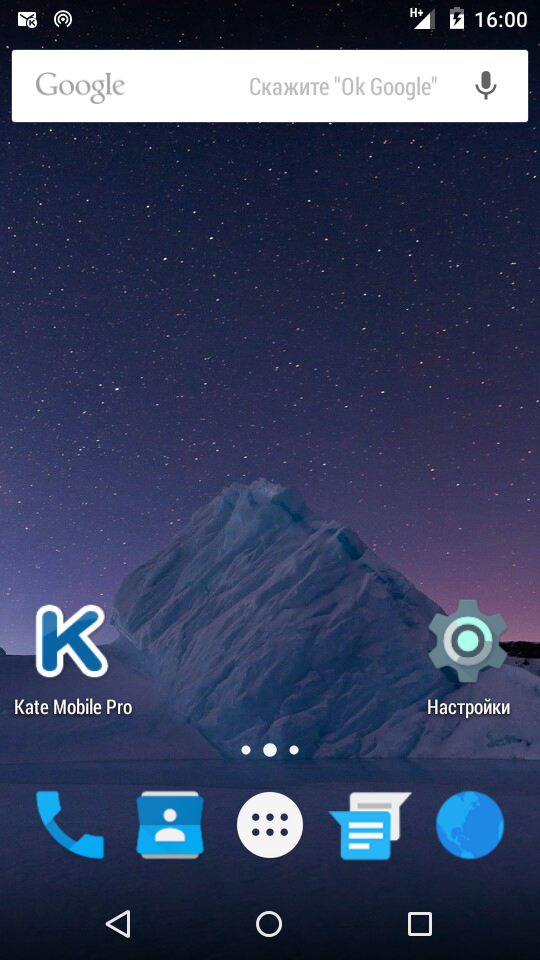
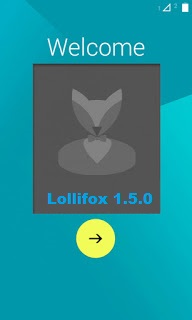
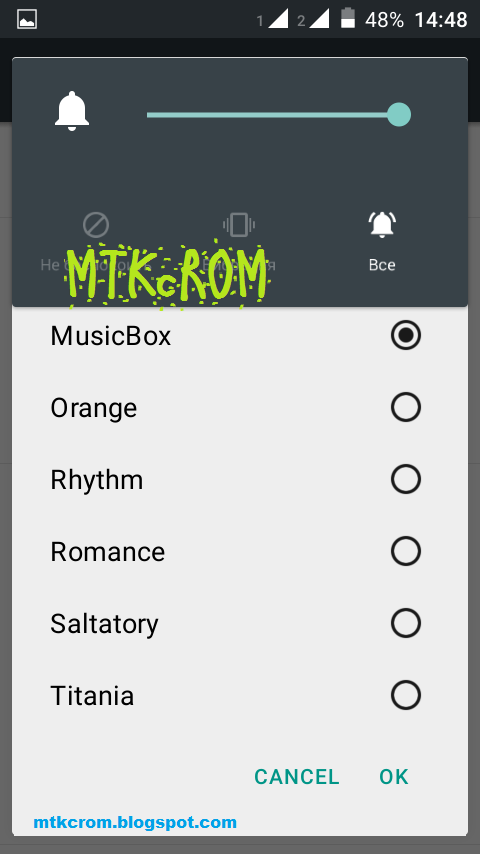
Screenshot:


Credit:
FMD


Always take backup your current rom before flash
Need to port for your device before flash


Flash process:
Reboot to Recovery Mode >

Wipe data/factory reset

Wipe cache partition

               1. Format data
               2. Format system
               3. Format cache
               4. Wipe dalvik cache


Select

Install zip from sdcard > Choose zip from sdcard
Select Rom zip file.


N.B. : All the Things do at your won Risk. I will not be responsible for any kind of Brick/Damage of your phone.


[Lollifox Rom] 1.6 Version for MTK6582

Custom Rom for MT6582 
Lollifox Updated New Version Rom 


Changelogs:

A mobile network code Yota added
More like Lollipop Settings
Proper display of the communication module firmware
Separators removed in contact
Changed the button "New message" in messages
Color Fixed of inactive items
A tile in the shutter Flashlight added
And Many small fixes
And Many More Features....


Screenshot:


Download Lollifox:


Always take backup your current rom before flash
Need to port for your device before flash


Flash process:
Reboot to Recovery Mode >

A.Wipe data/factory reset
B.Wipe cache partition
C. Mount and storage >
               1. Format data
               2. Format system
               3. Format cache
D. Advanced >
               1. Wipe dalvik cache

Back to the Main Menu.

Select
Install zip from sdcard > Choose zip from sdcard
Select Rom zip file.

Credit:
FMD Team


N.B. : All the Things do at your won Risk. I will not be responsible for any kind of Brick/Damage of your phone.


[Lollifox Update] Lollifox 1.5.0 Rom Patch for MT6582

Lollifox 1.5.0 Rom
Lollipop 5.1 UI Rom for MT6582

Do not Copy/Publish Rom or Content from here.


Patch for update Lollifox Rom to 1.5.0

New Features of Version 1.5.0
More Like Lollipop 5.1:
    * Contacts
    * SMS / MMS
    * Indent " E, H, H +, G, 3G, 4G" consistent indentation 5.1
    * Indent panel volume corresponds to 5.1
    * Indent panel volume corresponds to 5.1
Others:
    * Rounding out the photos of the contacts   
    * SetupWizard Updated
    * Added interest in an open shutter
    * General graphics fix


Download 1.5.0 Patch


Credit:
FMD Team


N.B. : Do all things at your won Risk. I will not be responsible for any kind of Brick/Damage of your Device/Phone.

[Lollifox 1.4.0] Lollifox Final Version Rom for MT6582

Lollifox Rom V1.4 Final Version for MTK6582
Custom Rom for MT6582


Lollifox Rom Information:

Rom Name: Lollifox
Rom Version: 1.4.0 Final Version
Chipset: MT6582
Android Version: 4.4.2 Kitkat
Rom Developer: FMD Team


Features and Changes:

Full Lollipop UI
Battery Configuration Removed
Lollipop Replica Batteries
Fixed Below 240 DPI Settings Crash
Profile Photo Select in Curtain Close to Lollipop
Schedule Nova  Switches
General Graphics Fixes 


Screenshot:


Download Lollifox 1.4 Rom
Pure Lollipop UI Rom

Credits
FMD


Ported Devices:
Star N9000 [Ported by Jagadesh Kumar]


Porting Guide:

1. Files Copy from Stock to Port

Copy all the following files from stock rom and paste and replace to the port rom
system/bin/pq
system/bin/vold
system/lib/libaudio.primary.default.so
system/lib/libaudiocompensationfilter.so
system/lib/libaudiocomponentengine.so
system/lib/libaudiocustparam.so
system/lib/libaudiodcrflt.so
system/lib/libaudioeffect_jni.so
system/lib/libaudioflinger.so
system/lib/libaudio-resampler.so
system/lib/libaudiosetting.so
system/lib/libaudioutils.so
system/lib/libcamalgo.so
system/lib/libcamdrv.so
system/lib/libcameracustom.so
system/lib/libdpframework.so
system/lib/libsensorservice.so
system/lib/libsync.so
system/lib/libvcodecdrv.so
system/usr/keylayout/Generic.kl

2. Delete Folders from Port rom and Copy and paste from Stock to Port rom
system/etc/bluetooth
system/etc/firmware
system/etc/wifi
system/lib/egl
system/lib/hw 

Copy system/vendor folder from Stock and Paste to the Port rom folder


3. Edit Mount Point:

Change mount point in updater script from META-INF Folder 

For Example:     
  format("ext4", "EMMC", "/dev/block/mmcblk0p4", "0");
  mount("ext4", "EMMC", "/dev/block/mmcblk0p4", "/system");
Change as yours

4. Copy  boot.img from Stock to Port rom folder

Now Zip META-INF, system folder and boot.img and ready for Flash.


N.B. : Do all things at your won Risk. I will not be responsible for any kind of Brick/Damage of your Device/Phone.

[Lollifox 1.3.0] Lollifox rom for MTK6582

Lollifox 1.3 Custom Rom for MT6582
Lollipop UI Custom Rom


Device: MT6582
Android Version: 4.4 [Kitkat]
Lollifox Rom Version: 1.3.0
Stable Version

New Added Features:

Google camera
Google Watch
Init.d Enabled
Graphics patches
Dimming status bar colors
Removed quick settings tile torchSMS/MMS Materialization
Materialization gallery
Navigation bar correction
Removed SIM cards item color 
SIM cards numbers removed in the status bar
Live wallpaper [
Returned engine]
Updated GAPPS


Screenshot:


Download Lollifox 1.3 for MT6582


Credit:
FMD


N.B. : Do all things at your won Risk. I will not be responsible for any kind of Brick/Damage of your Device/Phone.

[Custom Rom] Lollifox Rom for MT6572 [Version 1.10]

New Version of Lollifox 1.10 Custom Rom with new features.
[Lollipop Rom for MTK6572 Devices]
Android 4.2.2

Features:

New Look
Updated FMD Launcher
New Settings menu
Full Lollipop Framework
Lollipop UI
Pattern Lock Added
Google Play Store Added
Transparent Background
Smooth and Nice Performance

Screenshot:


Credit:
FMD TEAM


Requirements:

Rooted Device
CWM Recovery Installed

Take a full backup of current Rom before flash process.


Process:

Reboot to Recovery Mode >

A.Wipe data/factory reset
B.Wipe cache partition
C. Mount and storage >
               1. Format data
               2. Format system
               3. Format cache
D. Advanced >
               1. Wipe dalvik cache

Back to the Main Menu.

Select
Install zip from sdcard > Choose zip from sdcard
Select Rom zip file.

Installation will start. Wait until finish.
Reboot and Enjoy Lollifox Rom MT6572.


This Lollifox Custom Rom for Symphony W85 and other MTK6572 users such as Lenovo A369i,
Xolo A500s, Huawei Y511, ZTE V818, Symphony W82, Symphony W72, Symphony W68,
Walton Primo E2, Walton Primo F4, Karbonn Mobile, Micromax Mobile Need to port this rom.


N.B. : All the Things do it at your won Risk. I will not be responsible for any kind of Brick/Damage of your Device/Phone. 


Top